 Meganz
MEGA Cloud Storage for Photographers: Store High-Res
Why Photographers Need a Reliable Cloud Solution
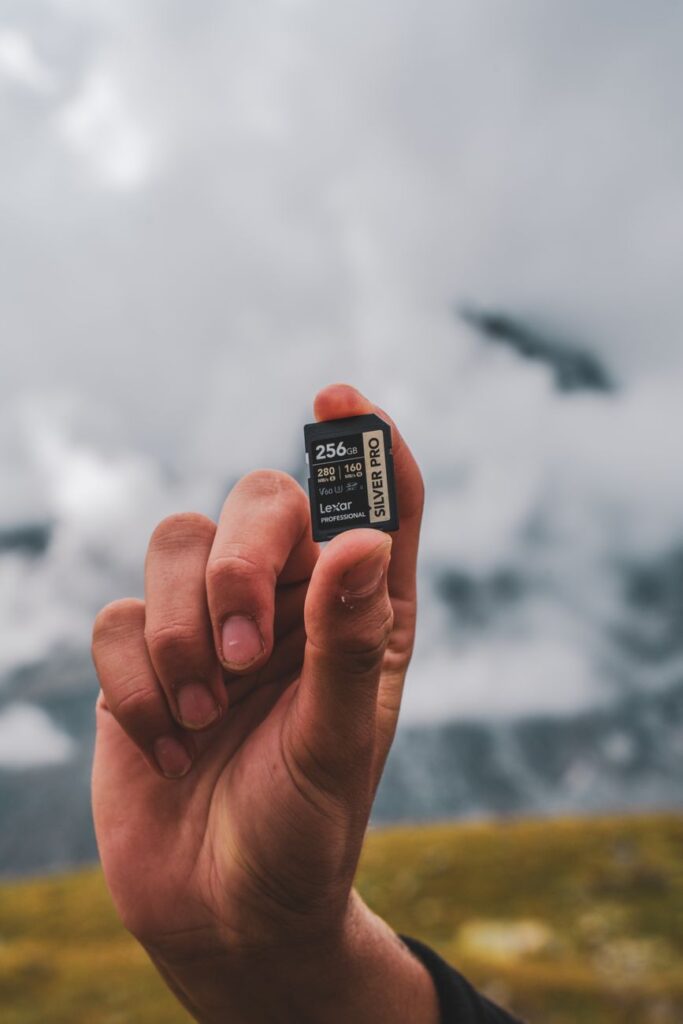
MEGA Cloud Storage for Photographers is a game-changer in the world of digital photography. As a photographer, you deal with massive high-resolution files daily—RAW images, TIFFs, and layered PSDs that can easily exceed 50 MB each. Traditional storage methods like external hard drives or local servers are no longer sufficient, especially when you need to share proofs with clients or collaborate with editors remotely. MEGA offers end-to-end encryption, generous storage quotas, and fast upload speeds that cater specifically to the needs of visual professionals.
In this guide, we’ll explore how MEGA can streamline your workflow, protect your valuable assets, and make sharing large portfolios effortless. Whether you’re a wedding photographer, commercial shooter, or fine art artist, MEGA’s features are designed to handle the demands of high-resolution imagery without compromising security.
Key Features of MEGA Cloud Storage for Photographers
Massive Storage Capacity
MEGA offers plans starting from 20 GB free and scaling up to 16 TB with premium accounts. This means you can store thousands of high-res images without worrying about running out of space. For photographers who shoot in RAW, this is essential. You can keep your entire archive online, accessible from any device, and never lose a single shot.
End-to-End Encryption
Security is paramount when storing client images. MEGA uses zero-knowledge encryption, meaning only you hold the keys to your files. This ensures that even MEGA cannot access your photos. For sensitive commercial work or wedding galleries, this level of protection builds trust with your clients. Read more about MEGA Cloud Storage encryption to understand how your data stays safe.
Fast Upload and Download Speeds
Uploading large batches of images can be time-consuming. MEGA’s parallel uploading technology maximizes your internet bandwidth, allowing you to transfer hundreds of photos in minutes. Similarly, when sharing galleries with clients, they can download full-resolution files quickly without compression or quality loss.
How to Organize Your Photography Workflow with MEGA
Create a Folder Structure That Works
Start by organizing your MEGA account with clear folders: Client Projects, Personal Portfolio, Raw Archives, and Edited Images. Use subfolders for each shoot or event. This structure makes it easy to find specific images later and simplifies sharing individual folders with clients.
Automate Backups with Sync
MEGA’s sync feature allows you to automatically back up your camera’s memory card or your editing computer’s output folder. Set up a sync folder for your Lightroom catalog or Capture One sessions. Every time you import new images, they are instantly uploaded to the cloud. This provides a real-time backup that protects against hard drive failures. Check out the MEGA Cloud Storage guide for step-by-step sync instructions.
Instead of using email attachments or unsecured file transfer services, share your MEGA folders with clients using password-protected links. You can set expiration dates and limit downloads. This is perfect for delivering final edits or getting client feedback. For more advanced sharing options, see our article on how to share large files securely with MEGA.
Maximizing MEGA’s Mobile App for Photographers
When you’re on location, you need instant access to your portfolio or the ability to upload images from your phone. The MEGA mobile app lets you preview, download, and share files directly from your smartphone. You can even capture new photos with the app’s camera upload feature, which automatically backs up every shot. This is incredibly useful for behind-the-scenes content or quick client approvals. Get more tips on using the app effectively from our MEGA Cloud Storage mobile app tips.
Collaborating with Editors and Retouchers
If you work with a team of editors or retouchers, MEGA simplifies collaboration. Create shared folders with specific permissions—give editors read/write access while clients only have view access. The built-in versioning system keeps track of changes, so you can revert to an earlier edit if needed. This eliminates the confusion of multiple file versions floating around via email.
Protecting Your Work with Backup Strategies
A solid backup strategy is non-negotiable for photographers. Relying on a single hard drive is risky. MEGA provides an off-site, encrypted backup that complements your local storage. Implement the 3-2-1 rule: three copies of your data, on two different media, with one copy off-site. MEGA serves as that off-site copy. For small business owners, we recommend reviewing the MEGA Cloud Storage backup strategy for small businesses to adapt it for your photography business.
Pricing Plans That Fit Any Photographer’s Budget
MEGA offers flexible pricing, from a generous free tier to affordable pro plans. The Pro Lite plan (400 GB) is great for hobbyists, while Pro III (8 TB) suits professionals with large archives. All plans include encrypted storage and high transfer quotas. To find the best value for your needs, compare the plans on our MEGA Cloud Storage pricing page.
Start your journey today by creating a MEGA account and uploading your first portfolio. With robust security, seamless syncing, and easy sharing, MEGA Cloud Storage for Photographers is the proven solution to protect and present your high-res images. Don’t wait until a hard drive failure—secure your work now.